Why Telegram says “download restricted” and how to handle it safely
Some channels limit downloads or hide bulk actions. Learn what’s allowed and use TG Media Organizer to manage only the media you already can access.
Why this happens
- •Channel admins can disable downloads in official clients.
- •Restricted prompts cause confusion between access and ownership.
- •Jumping to shady downloaders risks accounts and devices.
- •You still need a compliant workflow for assets you legitimately can view.
Why TG Media Organizer works better
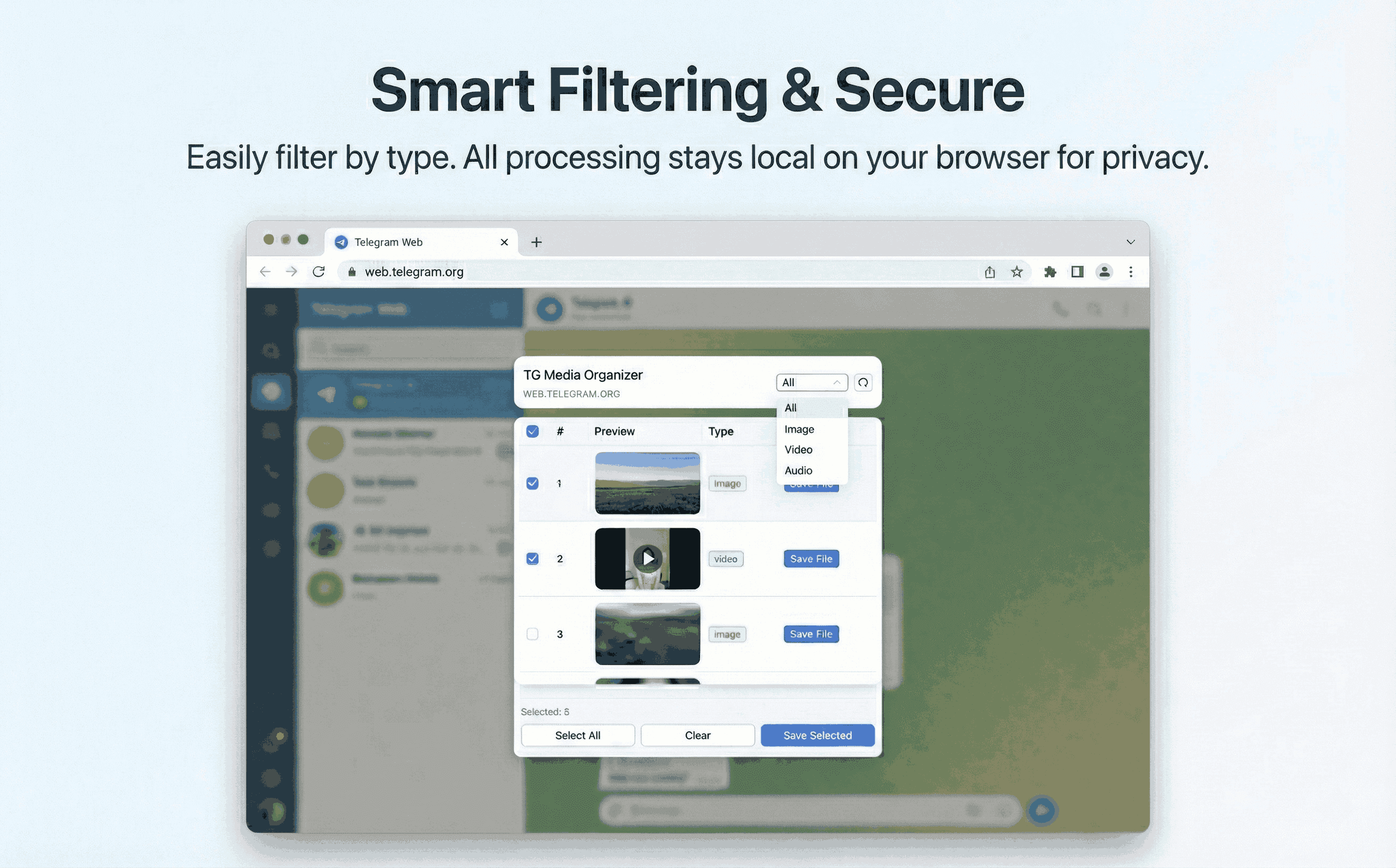
- ✓Clarifies what is accessible: only lists media you can already play.
- ✓Keeps downloads manual to avoid policy violations and surprises.
- ✓Gives you a single pane to review media before saving.
- ✓No server-side storage—reduces risk when handling sensitive channels you belong to.
How it works
Follow the same three-step flow across any Telegram chat or channel you can access.
Step 1
Confirm you can view the media in Telegram Web; if not, respect the restriction.
Step 2
Open TG Media Organizer and filter to the media types you need.
Step 3
Select and download items you are allowed to access, keeping a local record.
Use cases
These scenarios come directly from how users manage Telegram media today. Stay compliant and manual—no automated scraping.
- •Compliance-friendly downloads for teams with explicit access to partner channels.
- •Saving internal training clips from restricted groups you’re a member of.
- •Backing up community resources before admins rotate links or remove files.
- •Helping support teams investigate media issues while staying within permissions.
FAQ
No. It respects Telegram permissions. If you cannot view an item in Telegram Web, it will not appear for download.
Yes, as long as you already have access. The tool simply organizes and saves what you can view—no scraping or bypassing.
No. Your Telegram Web session stays as-is. The extension reads the page you’re already viewing.
Only download media you are authorized to use. Keep actions manual and document the source channel when needed.
Start organizing Telegram media you already can view
Install the Chrome extension, keep everything manual and transparent, and upgrade to Pro when you need higher limits.
- • Local processing—no uploads
- • Filter-first workflow for photos, videos, audio
- • Manual downloads with progress feedback
- • Built for channels and groups you can already view