Telegram video download limits: what they mean and what to do
Limits exist to protect channels. See what’s allowed and use TG Media Organizer to intentionally save videos you’re permitted to access.
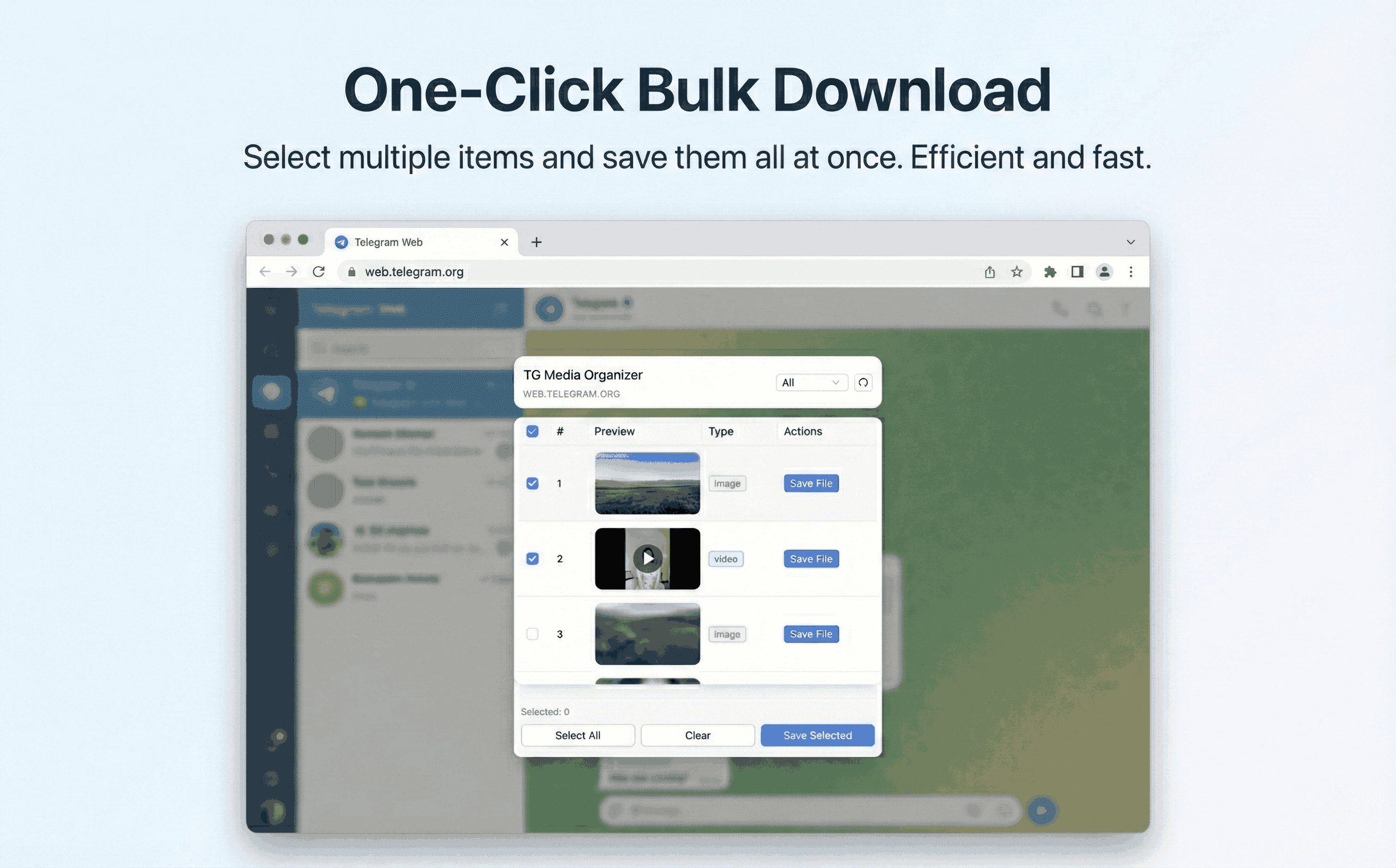
Why this happens
- •Daily limits and channel controls create confusion for teams.
- •Retrying downloads can trigger temporary blocks.
- •Automated tools may get rate-limited or violate terms.
- •You still need a compliant way to export critical videos.
Why TG Media Organizer works better
- ✓Manual downloads reduce bursts that trigger limits.
- ✓Filter-first selection avoids wasted requests.
- ✓Local processing means no extra endpoints hitting Telegram.
- ✓Clear progress helps you pace downloads within reasonable windows.
How it works
Follow the same three-step flow across any Telegram chat or channel you can access.
Step 1
Identify which videos you truly need; filter them in TG Media Organizer.
Step 2
Download in smaller batches to avoid bursts and respect limits.
Step 3
Organize locally and document the source channels for compliance.
Use cases
These scenarios come directly from how users manage Telegram media today. Stay compliant and manual—no automated scraping.
- •Support teams grabbing incident evidence without overloading channels.
- •Editors exporting only the clips needed for a weekly recap.
- •Analysts pacing downloads during peak traffic to stay under limits.
- •Individuals saving personal memories from busy community channels.
FAQ
No. It keeps you within the limits by using manual, paced downloads instead of automated scraping.
Ensure you can play it in Telegram Web. If not, channel controls may prevent saving; respect those settings.
Pro increases in-app limits, but Telegram’s own policies still apply. We focus on transparent, compliant exports.
Start organizing Telegram media you already can view
Install the Chrome extension, keep everything manual and transparent, and upgrade to Pro when you need higher limits.
- • Local processing—no uploads
- • Filter-first workflow for photos, videos, audio
- • Manual downloads with progress feedback
- • Built for channels and groups you can already view